

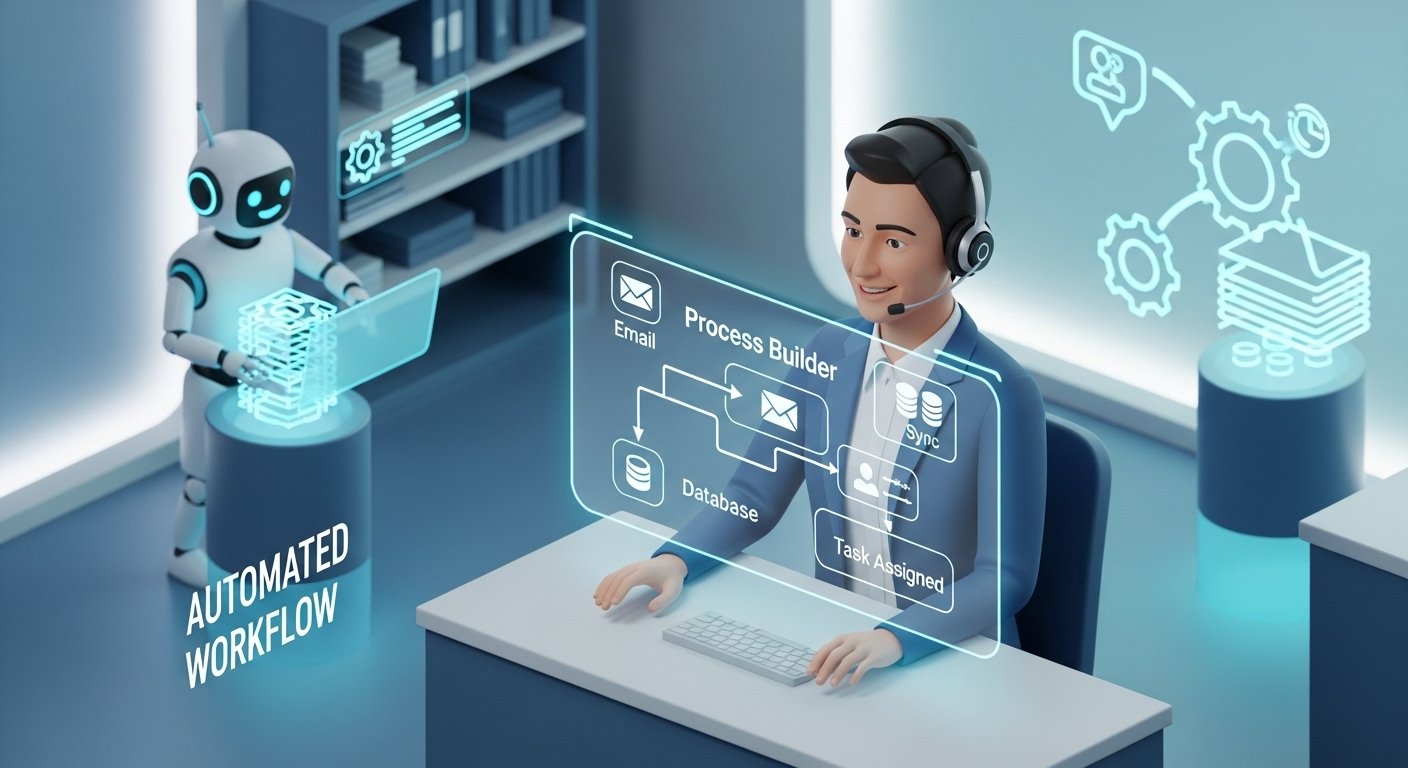

This guide explains how to use automated customer service workflows utilizing process builders to fix your business. You will learn how to save time and keep customers happy. We cover everything from basic setups to future tech trends.
Understanding the Foundation of Automated Workflows
Exploring the Basics of Automated Workflows

Automated workflows are a series of tasks that happen on their own. These tasks start when a specific event or condition occurs. Think of it like a chain reaction for your office work. You set the rules and the software does the rest.
Businesses today need to move fast to stay ahead. Automation helps you get things done without waiting for a person. It handles the boring stuff so your team can do bigger things. This makes your whole operation run like a well-oiled machine.
Automation is a huge deal for customer service teams. It stops people from doing the same task a million times. It also keeps things consistent so you do not make mistakes. When you cut out manual work, your efficiency goes through the roof.
The Evolution of Workflow Automation in Customer Service
Back in the day, support teams used paper files and phone books. Then they moved to digital hubs to track customer issues. Now, we have smart tools that talk to each other. This evolution has changed how we think about helping people.
Customers now want answers right away in our digital world. They do not like waiting on hold for an hour. Automated customer service workflows utilizing process builders bridge the gap between high needs and low staff. It acts like a 24/7 digital assistant for your brand.
Leveraging Process Builder for Service Excellence
Unleashing the Power of Process Builder within Ecosystems
Process Builder is a top-tier tool inside the Salesforce world. It is the heavy hitter for making workflows that actually work. You can build complex paths without knowing how to write code. It lets you automate routine stuff to keep your service levels high.
The tool responds to data changes the moment they happen. If a customer record changes, the Process Builder sees it. It then kicks off whatever action you told it to do. This makes sure your team stays on top of every single lead.
Key Features of Process Builder for Support Teams

- Visual Workflow Design helps you see exactly how a process looks on a screen.
- Automated Task Management sends jobs to the right people without you lifting a finger.
- Seamless Integration lets the tool talk to other apps so your data stays together.
- Real-Time Record Updates keep your database fresh every time a customer reaches out.
Using these features makes life easier for your support agents. They do not have to guess what to do next. The system shows them the way and does the data entry too. This keeps everyone happy and focused on the real work.
Strategic Benefits of Customer Service Automation
Maximizing Efficiency and Customer Satisfaction
Automation cuts down the time it takes to send a first reply. You can send an instant “we got your message” email. This lets the customer know they are not being ignored. Speed is the number one way to win at service.
It also makes sure no one gets forgotten in the shuffle. Every ticket gets put in a category and assigned to someone. This precision builds trust with your user base over time. You look like a pro when you never miss a beat.
Agents can finally stop doing the busy work that drains them. They can spend their energy on tough problems that need a human touch. This makes their jobs more fun and keeps them around longer. Happy agents usually mean very happy customers.
Real-Time Data and Improved Decision Making

Smart systems can grab and sort data the second it comes in. You get a clear picture of what is happening right now. This helps leaders make choices based on facts rather than guesses. Good data is like a roadmap for your business.
You can see new trends before they become huge problems. If everyone is asking about one bug, you will know fast. This lets you be proactive instead of just reacting to fires. You can fix things before the customer even notices a slip-up.
Enhancing Team Collaboration and Productivity
Automation sends alerts so everyone knows what is going on. It connects different departments like sales and support seamlessly. No more yelling across the office or sending endless Slack pings. The system handles the hand-offs for you.
You can also track how well your team is doing automatically. The software logs how fast people respond and solve issues. This gives you the stats you need to improve your training. High productivity becomes the new normal for your whole squad.
Critical Challenges and Implementation Considerations
Addressing the Complexities of Automation
Automation is great but you can overdo it sometimes. If you automate too much, you might feel like a robot. Customers hate it when they cannot talk to a real person. You have to find the sweet spot for your brand.
Pick the right tasks to automate to get the best results. Focus on the things that are boring and happen often. Keep the tough, emotional stuff for your human team members. A smart mix is what makes a business really shine.
Data Management and Integration Hurdles
You need clean data for your automated customer service workflows utilizing process builders to work. If your data is messy, your automation will fail. You must have a plan to keep information updated and tidy. Bad data in means bad results out.
Syncing different apps can be a real headache for some. You want all your tools to share the same story. This prevents “data silos” where one team knows things others do not. Aim for one single source of truth for everything.
Customization and Flexibility Requirements
Every business is a little bit different from the next. You need to tweak your Process Builder to fit your vibe. Don’t just use the basic settings and hope for success. Take the time to build paths that match your goals.
You should also keep testing your workflows to make them better. What worked last year might not work today for you. Be ready to change your logic as your company grows up. Flexibility is the secret sauce for long-term wins.
Ensuring Team Adaptation and Training
People can be scared of new tech and change sometimes. You need to show your team how automation helps them. Good training makes sure everyone knows how to use the tools. If they don’t use it, the tech is useless.
Redefine what your agents do once the robots take over. They are no longer just data entry clerks anymore. They are now high-level problem solvers and brand ambassadors. This shift makes the job more rewarding for everyone.
Balancing Automation with the Human Touch

Customers still want a personal touch when things get hard. You need a way to move from a bot to a human fast. This is called a “graceful escalation” and it is very important. Never leave a customer stuck in an endless loop.
Use automation to give your humans better info to help. When an agent picks up, they should see the whole history. This makes human interaction feel smarter and more personal. Technology should always be there to back up the people.
Security, Compliance, and Data Privacy
You have to keep customer data safe and sound. Automation handles lots of private info every single day. Make sure your security settings are locked down tight. One big leak can ruin your reputation for good.
Follow rules like GDPR and CCPA to stay out of trouble. Your automated flows must respect the privacy rights of users. Do regular audits to make sure everything is still safe. Keeping trust is the most important part of business.
Real-World Applications and Case Studies
Streamlining Customer Support Tasks
One retail giant used automation to handle their huge ticket volume. They cut their response times in half almost overnight. By automating the “we got it” email, they kept people calm. This simple step made their customer satisfaction scores jump up.
- Retail Success shows that even basic emails make a difference.
- Ticket Sorting ensures the right expert gets the right problem fast.
- Automated Closures clean up the system when a task is finished.
Enhancing Efficiency in Financial and Service Operations
A money firm used Process Builder to stop making typing errors. They automated data entry so everything stayed accurate and clean. This helped them make faster choices on loans and accounts. It proved that tech can handle serious business very well.
Real-time updates let the whole team see the latest status. No one had to ask “is this done yet” anymore. This clarity saved hours of meeting time every single week. Efficiency became a core part of their company culture.
Best Practices for Successful Implementation
- Define Goals before you even touch the software or tools.
- Start Small with easy tasks like auto-replies or task alerts.
- Get Feedback from the people actually using the system daily.
- Document Everything so you remember why you built the workflow later.
Following these steps keeps you from making giant mistakes early. You want to build a solid base before getting fancy. It also makes it easier to bring on new team members later. Good habits now lead to big growth in the future.
Future Trends in Software and Service Automation
AI and Machine Learning Integration
The future is all about smart AI that learns as it goes. We are moving past simple “if this then that” rules. AI can predict when a customer is about to leave you. It can even suggest the best way to make them stay.
Predictive service means you fix things before they break down. Your system might see a pattern that leads to a bug. It can alert the tech team to fix it right away. This makes your brand look like it has a crystal ball.
The Rise of Low-Code and No-Code Platforms
You don’t need a computer science degree to build workflows now. Tools like Process Builder are making tech easy for everyone. This lets support managers change things without asking IT. It speeds up innovation across the whole company.
Democratizing these tools means more people can help solve problems. When everyone can build, the whole team moves faster. It breaks down the walls between the “techies” and the staff. Everyone becomes a builder in this new digital age.
Hyperautomation and End-to-End Orchestration
Hyperautomation is about connecting every tool you own into one. It uses AI, bots, and Process Builders all at once. This creates a total lifecycle that runs by itself. It is the ultimate goal for any modern business today.
Orchestration means all your apps talk to each other perfectly. When you sell something, support and shipping know instantly. It creates a smooth experience for the customer every time. No more dropped balls or confusing messages from different teams.
Enhanced Data Management and Security Trends
New ways to link data are making automation even safer. We are seeing better ways to move info between companies. Security is also getting a big upgrade with “Zero Trust” plans. This means your data is safe even if someone gets inside.
Data privacy will continue to be a top priority for everyone. Tools will have built-in ways to follow the law automatically. This takes the pressure off business owners to be legal experts. You can focus on your customers while the tech stays safe.
The Shift Toward Collaborative and Integrated Ecosystems
Software as a Service is turning into “Automation as a Service”. You won’t just buy a tool; you will buy a whole workflow. This makes it easier for small shops to act like big ones. The playing field is getting leveled by great technology.
Teams will have a 360-degree view of every single customer. No matter who the customer talks to, the agent knows them. This makes every interaction feel personal and high-quality. Automation is the key to making big companies feel small again.
Summary: Automation vs. Manual Support
| Feature | Manual Support | Automated Workflows |
| Response Time | Hours or Days | Seconds or Minutes |
| Consistency | Varies by Agent | Always the Same |
| Error Rate | High (Human Error) | Very Low |
| Availability | Business Hours Only | 24/7/365 |
| Cost | High (Labor Intensive) | Lower Over Time |
FAQs About Automated Workflows
What is the best way to start with automation?
Start with one simple task that your team hates doing. Once that works, move to the next small thing.
Will automation replace my customer service team?
No, it just changes their job to be more interesting. It handles the boring tasks so they can solve real problems.
Do I need to know how to code to use Process Builder?
Nope, it is a visual tool that uses clicks instead of code. Most people can learn it with just a little bit of practice.
Is automation safe for my customer’s data?
Yes, as long as you use the right security settings. Most big platforms have world-class security built right in.
What is the difference between Salesforce Process Builder and Flow Builder?
Process Builder is a legacy tool designed for simpler, criteria-based tasks with a linear logic. Flow Builder is the more advanced successor that can handle complex logic, screen interactions, and deletions, which Process Builder cannot perform.
Can automated workflows send SMS messages to customers?
Yes, by using third-party integrations or API callouts, automated workflows can trigger SMS notifications for appointment reminders or urgent support updates.
How does workflow automation handle file attachments in support tickets?
Most automation tools can detect attachments and automatically route them to specific folders or link them to a customer’s case file for easier access by agents.
Is it possible to automate multi-language customer support?
Yes, workflows can detect the language of an incoming query based on keywords or origin and automatically assign it to an agent fluent in that specific language.
How do automated workflows manage customer satisfaction (CSAT) surveys?
Workflows can be set to trigger a survey email immediately after a case is marked as “Closed,” ensuring data is captured while the interaction is fresh.
Can Process Builder be used to delete records automatically?
No, Process Builder cannot delete records. To automate the deletion of old or duplicate data, businesses must use Flow Builder or custom Apex code.
What is the impact of automation on “Average Handle Time” (AHT)?
Automation typically lowers AHT because it pre-populates data and handles administrative steps, allowing the agent to focus solely on resolving the customer’s problem.
How can automation help with Service Level Agreement (SLA) monitoring?
Workflows can track the time since a ticket was opened and automatically escalate it to a manager if it nears an SLA breach.
Can workflows automate social media responses?
By integrating social listening tools with a CRM, workflows can automatically create support cases from tweets or Facebook comments and send a standard public reply.
What happens to a workflow if the primary system goes offline?
Most modern cloud platforms queue the triggers. Once the system is back online, the automation engine processes the accumulated tasks in the order they were received.
Can automated workflows help with customer onboarding?
Yes, once a “Closed-Won” deal is recorded, a workflow can trigger a series of welcome emails, set up user accounts, and schedule a kickoff call.
How do you prevent “infinite loops” in automated processes?
Developers use “recursion control” settings to ensure that an update made by a workflow doesn’t accidentally trigger the same workflow again in a never-ending cycle.
Can automation detect the sentiment of a customer email?
Yes, by integrating Natural Language Processing (NLP) tools, a workflow can flag “angry” emails for immediate priority routing to a senior supervisor.
Is it expensive to maintain automated customer service workflows?
The initial setup requires an investment in time and licensing, but long-term maintenance is generally low compared to the cost of manual labor.
How does automation support “Self-Service” portals?
Workflows can suggest relevant knowledge base articles to customers as they type their query, often solving the problem before a ticket is even submitted.
Can workflows be scheduled to run at specific times?
Yes, “Scheduled Actions” allow processes to run after a certain delay, such as sending a follow-up email exactly three days after a product is delivered.
What is a “Headless” automation process?
This refers to backend automation that runs without any user interface, performing data syncs or system checks quietly behind the scenes.
How do workflows handle duplicate customer cases?
Automation logic can scan for existing open tickets from the same email address and merge new incoming queries into the original thread to prevent confusion.
Can Process Builder trigger an external web service?
Yes, through “Apex Actions,” Process Builder can call external APIs to pull data from or send data to third-party software outside of the Salesforce environment.
What is the best way to audit which workflows are running?
Most platforms provide an “Apex Debug Log” or a “Paused and Failed Flow Interviews” section where admins can monitor every step an automation takes.
